Safe Online Shopping
Shopping online is convenient and generally very safe when you know what to look for. A few simple habits can help you protect your money, personal information, and online accounts every time you make a purchase.
In this guide
- How to recognize trustworthy online stores
- What to check before entering payment information
- Safer ways to pay online
- How to protect your shopping accounts
- Simple habits that reduce your risk
Shop with Businesses You Trust
The safest online purchases usually begin with a retailer you already know or one that has a good reputation.
If you're shopping with a business for the first time, take a few moments to review its website, contact information, and customer reviews before making a purchase.
Look for Signs of a Secure Website
Before entering payment information, make sure the website begins with https://. Most browsers also display a padlock icon beside the website address.
While these are good signs, remember that scammers can also create secure-looking websites. Always verify the web address and make sure you're on the company's official website.
Choose Safer Ways to Pay
Credit cards often provide stronger fraud protection than many other payment methods.
Digital wallets such as Apple Pay or Google Pay can also add another layer of privacy by limiting the payment information shared with the retailer.
Secure Your Shopping Accounts
Many online stores allow you to save payment information for future purchases. While convenient, this makes your account more valuable if someone gains access.
- Use a unique password.
- Enable Multi-Factor Authentication whenever available.
- Sign out when using shared computers.
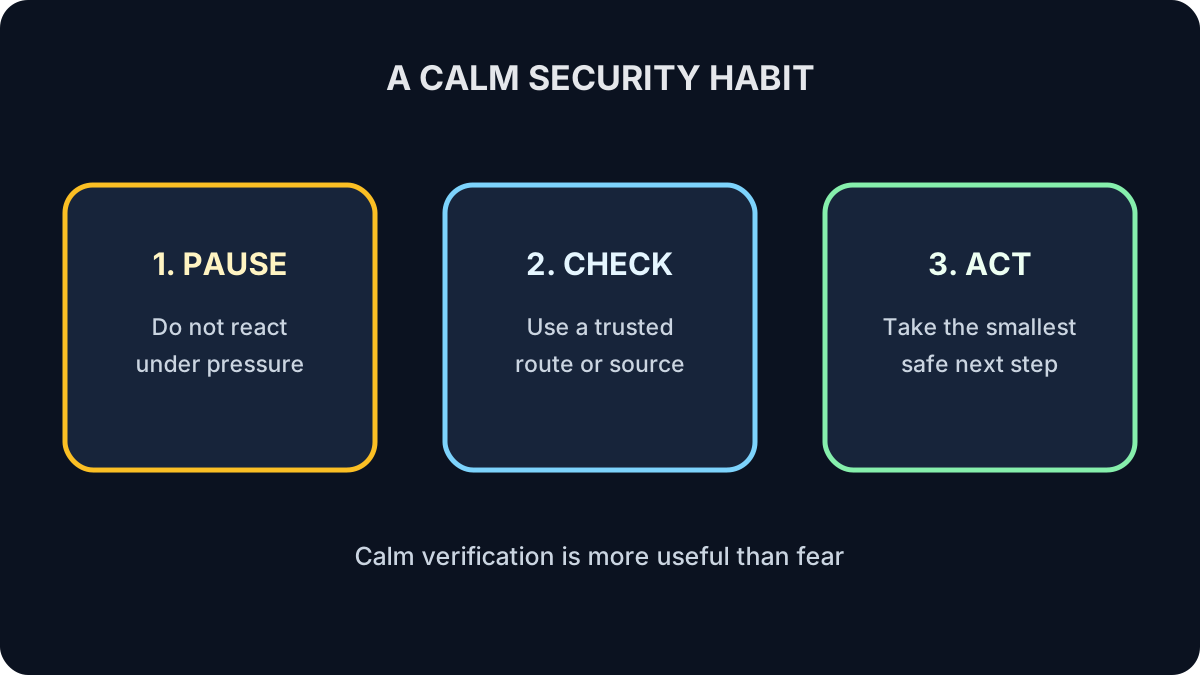
Pause if Something Doesn't Feel Right
Be cautious if you notice prices that seem far lower than everywhere else, unusual payment requests, poor grammar, or pressure to act immediately.
If something feels suspicious, take a moment to verify the business before completing your purchase.
Buy from Businesses You Trust
The easiest way to avoid many online shopping scams is to purchase from businesses with an established reputation.
🛡️ Remember This
Buy from businesses you trust.
If a deal feels too good to be true or a website makes you uncomfortable, it's perfectly okay to walk away.
Review a Fictional Store
A new store offers a 90% discount, accepts only e-transfer, has no return address and copied-looking reviews. Name three reasons to stop.
Show the answer
The extreme offer, irreversible payment pressure, missing business details and unreliable reviews all increase risk.
Check Your Understanding
Does HTTPS prove a store is trustworthy?
Answer
No. It protects the connection but does not prove the seller is legitimate.
Why prefer a protected payment method?
Answer
It may limit exposure and provide a dispute process if something goes wrong.
What to Remember
- Shop with retailers you recognize or have researched.
- Check that the website uses HTTPS.
- Use secure payment methods whenever possible.
- Protect your shopping accounts with strong passwords and MFA.
- Trust your instincts if something doesn't seem right.
Keep Learning
Even with good security habits, problems can still happen. In the final lesson of Security Fundamentals, learn what to do if one of your online accounts is compromised.