What to Do If You've Been Hacked
Discovering that one of your online accounts has been hacked can feel overwhelming, but it doesn't have to turn into a disaster. Acting quickly and following a few simple steps can help you regain control and limit the damage.
In this guide
- How to recognize the signs of a compromised account
- The first steps you should take
- How to secure your accounts
- When to contact your bank or service provider
- How to reduce the chances of it happening again
Don't Panic—Take Action
It's normal to feel anxious if you think you've been hacked. Fortunately, many security incidents can be resolved if you act quickly.
Your goal is to secure your accounts before anyone can do additional harm.
💡 Think of it like this
If someone stole the keys to your home, the first thing you'd do is change the locks—not spend hours wondering how it happened.
Online accounts work much the same way. Focus on securing your accounts first, then investigate what happened.
Change Your Password Immediately
If you can still access your account, change your password right away.
Choose a strong, unique password that you haven't used anywhere else. If you use the same password on other accounts, change those as well.
Enable Multi-Factor Authentication
If MFA isn't already enabled, turn it on immediately after changing your password.
This adds another layer of protection and makes it much harder for someone to regain access.
Check for Unauthorized Activity
Review your recent account activity carefully.
- Unexpected purchases
- Password reset emails you didn't request
- Unknown devices signed into your account
- Messages or emails you didn't send
- Changes to your recovery email or phone number
Contact the Organization
If the account contains financial information or sensitive personal data, contact the company as soon as possible.
Banks, credit card companies, and many online services have dedicated fraud or account recovery teams that can help secure your account.
Watch Your Other Accounts
If one account was compromised, there's a chance the attacker may try to access others using the same email address or password.
Monitor your email, banking, shopping, and social media accounts over the next several days for unusual activity.
Act Quickly, Don't Panic
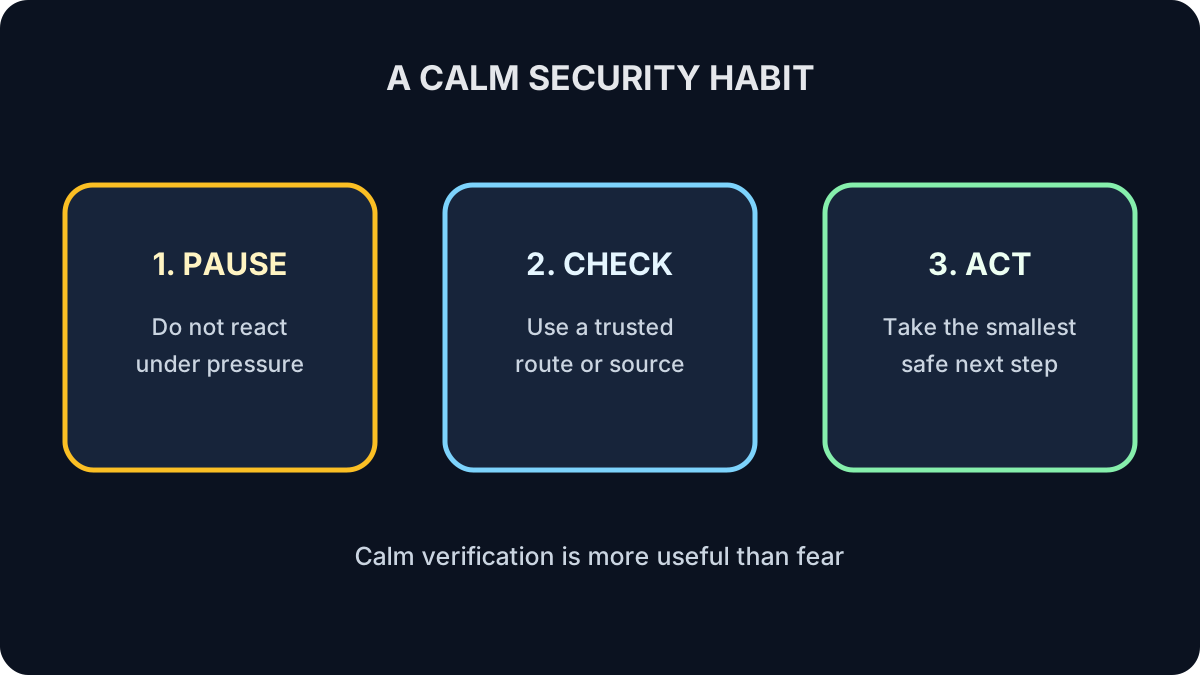
Most people lose more time worrying than actually securing their accounts. A calm, methodical response is often the most effective one.
🛡️ Remember This
Act quickly, but don't panic.
Secure your accounts first, then investigate what happened. Quick action often prevents a small problem from becoming a much larger one.
Put Recovery in Order
For a fictional compromised email account, order these actions: secure the email account, change reused passwords, contact affected services, review activity.
Show the answer
Secure the email account first because it may reset other accounts; then review activity, change reused credentials and contact affected services.
Check Your Understanding
Which account often deserves priority?
Answer
Your primary email, because it may control password resets for other accounts.
Should you hide the incident out of embarrassment?
Answer
No. Promptly contact relevant providers, financial institutions or support people through trusted channels.
What to Remember
- Change your password immediately.
- Enable Multi-Factor Authentication.
- Review your account for suspicious activity.
- Contact the organization if financial or personal information is involved.
- Monitor your other accounts and update reused passwords.
You've Completed Security Fundamentals
You've learned how cybersecurity works, how your online payments are protected, how to create stronger passwords, why Multi-Factor Authentication matters, how to recognize online scams, how to shop safely, and what to do if something goes wrong.
These simple habits form a strong foundation for staying safe online. Technology continues to evolve, but the principles you've learned here will help you make smarter, more confident decisions every day.