Multi-Factor Authentication Explained
Passwords are important, but they're only one part of protecting your online accounts. Multi-Factor Authentication (MFA) adds a second layer of security, making it much harder for someone else to sign in—even if they know your password.
In this guide
- What Multi-Factor Authentication (MFA) is
- Why passwords aren't enough on their own
- The three types of authentication
- Where you should enable MFA
- Which MFA methods offer the best protection
A Second Layer of Protection
Multi-Factor Authentication (MFA) asks you to verify your identity using two or more methods before you can sign in.
Even if someone steals your password, they usually can't access your account without the second verification step.
Why Passwords Aren't Always Enough
Passwords can be guessed, stolen in data breaches, or obtained through phishing scams.
MFA helps stop attackers because knowing your password isn't enough—they also need access to your phone, security key, or biometric information.
The Three Ways You Can Verify Your Identity
- 🔑 Something you know
Your password or PIN. - 📱 Something you have
Your phone, authenticator app, or security key. - 👤 Something you are
Your fingerprint or Face ID.
💡 Think of it like this
Imagine your front door has two locks instead of one. Even if someone copies your key, they still can't get inside without unlocking the second lock.
That's exactly what MFA does for your online accounts.
How MFA Works
Depending on the website or app, your second verification might be:
- A code sent by text message.
- A code generated by an authenticator app.
- A notification asking you to approve the sign-in.
- A fingerprint or Face ID.
- A physical security key.
Which Accounts Should You Protect?
If you can only enable MFA on a few accounts, start with the ones that matter most.
- 🏦 Banking
- 🔐 Password Manager
- 🛒 Shopping Accounts
- 📱 Social Media
Which MFA Method Is Best?
Any form of MFA is better than using only a password.
If you have a choice, security experts generally recommend using an authenticator app or a physical security key instead of text messages.
Plan an MFA Setup
Choose a fictional email account. List a preferred second factor and a safe place for recovery codes. Do not display or share real codes.
Show an example
An authenticator app as the second factor; recovery codes stored securely and separately from the signed-in device.
Check Your Understanding
What does MFA add?
Answer
A separate proof of identity beyond the password.
What should you do with an unexpected approval request?
Answer
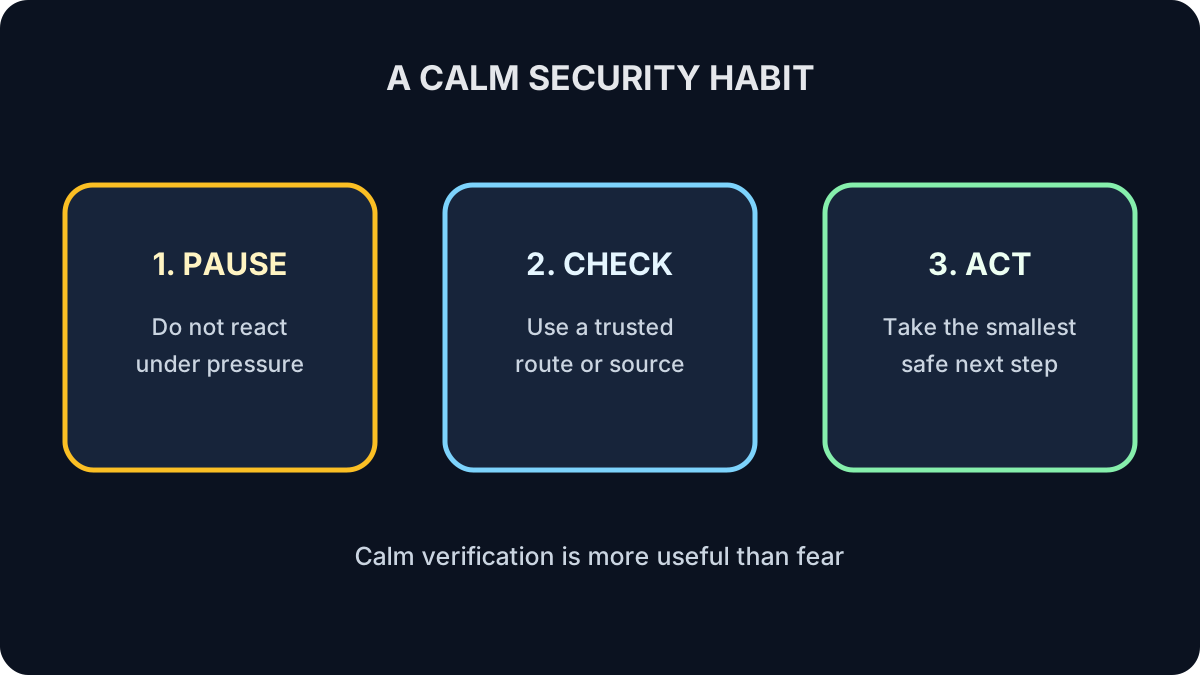
Deny it, then review the account through its official app or website.
What to Remember
- Passwords alone aren't enough.
- MFA adds a second layer of protection.
- Turn on MFA for your email first.
- Authenticator apps are generally the best everyday option.
- A few extra seconds during sign-in can greatly improve your security.
Keep Learning
Strong passwords and Multi-Factor Authentication work together to protect your accounts. Next, learn how to recognize phishing emails, fake websites, and other common online scams.