How to Spot Online Scams
Online scams are becoming more convincing every year. Learning to recognize the warning signs can help you protect your money, your personal information, and your online accounts.
In this guide
- How scammers try to trick people
- The most common warning signs
- How to recognize phishing attempts
- What to do if something feels suspicious
- Simple habits that reduce your risk
Why Online Scams Work
Most scams don't rely on hacking computers—they rely on tricking people.
Scammers often create a sense of urgency, fear, curiosity, or excitement to encourage quick decisions before you have time to think.
💡 Think of it like this
A scam is like someone pretending to be a trusted friend so you'll unlock the door yourself.
The goal isn't to break in—they want you to let them in.
Red Flags to Watch For
Many scams share the same warning signs.
- Messages that create urgency.
- Requests for passwords or verification codes.
- Unexpected attachments or links.
- Offers that seem too good to be true.
- Poor spelling or unusual wording.
What Is Phishing?
Phishing is when someone pretends to be a trusted organization to trick you into revealing personal information.
These messages may appear to come from your bank, a delivery company, a streaming service, or even someone you know.
Before clicking a link, take a moment to check who actually sent the message.
Five Questions to Ask Yourself
- Was I expecting this message?
- Is the sender who they claim to be?
- Does the link look legitimate?
- Am I being pressured to act quickly?
- Can I verify this another way?
What Should You Do?
If something feels suspicious, trust your instincts.
- Don't click links immediately.
- Visit the company's website directly.
- Call the organization using a trusted phone number.
- Delete suspicious emails or messages.
- Ask someone you trust if you're unsure.
When in Doubt, Slow Down
Most online scams succeed because they convince people to act quickly. They create urgency, fear, excitement, or curiosity so you don't stop to think.
Before clicking a link, downloading an attachment, or sharing personal information, pause for a moment and ask yourself whether the request makes sense.
🛡️ Remember This
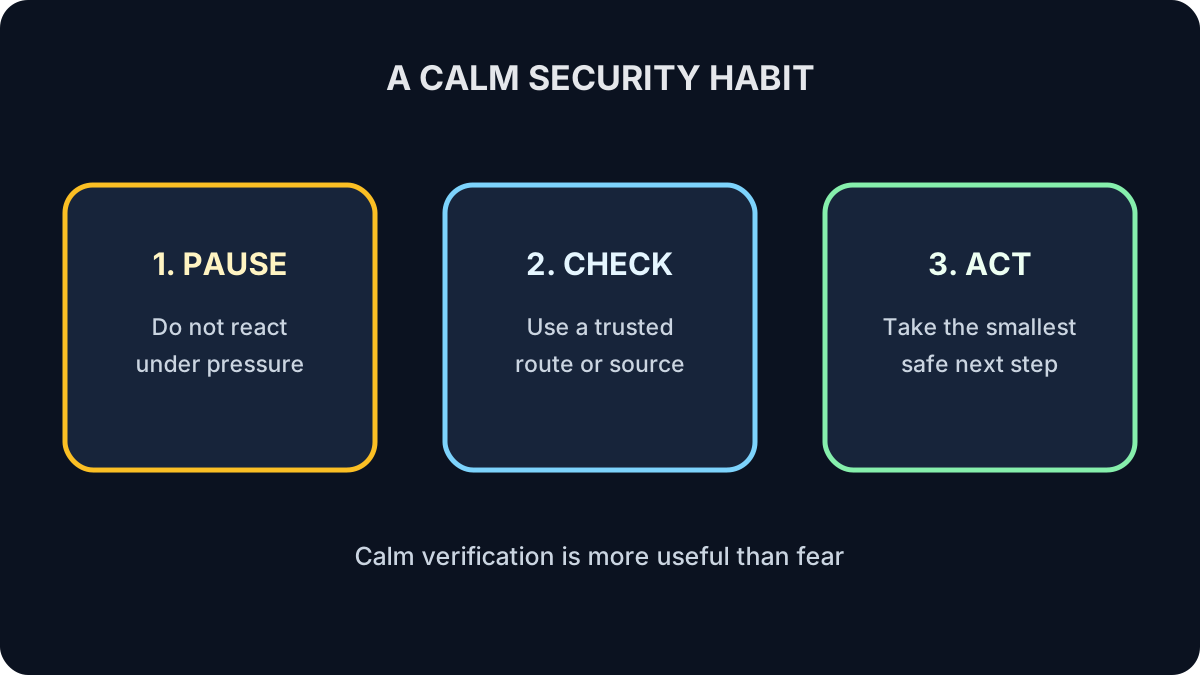
When in doubt, slow down.
A legitimate company will almost always give you time to verify a request. Scammers don't want you to stop and think.
Inspect a Fictional Message
“Your delivery failed. Pay $1.20 in the next 20 minutes using this link.”
Identify the pressure tactic, unexpected request and unsafe verification route.
Show the answer
The deadline creates urgency, the payment is unexpected, and the embedded link controls where you go. Open the carrier’s official app or type its known address yourself.
Check Your Understanding
Does a familiar logo prove a message is genuine?
Answer
No. Logos and sender names can be copied.
What is independent verification?
Answer
Contacting the organization through a known official route instead of the message’s link or number.
What to Remember
- Scammers target people—not just technology.
- Urgency is one of the biggest warning signs.
- Never share passwords or MFA codes.
- Verify unexpected requests before responding.
- When in doubt, slow down.
Keep Learning
Recognizing scams is only part of staying safe online. Next, learn simple habits that can help you shop online more securely and protect your personal information every time you make a purchase.